
IEbridge vs IE Tab vs Edge IE Mode: Features, Price and Deployment
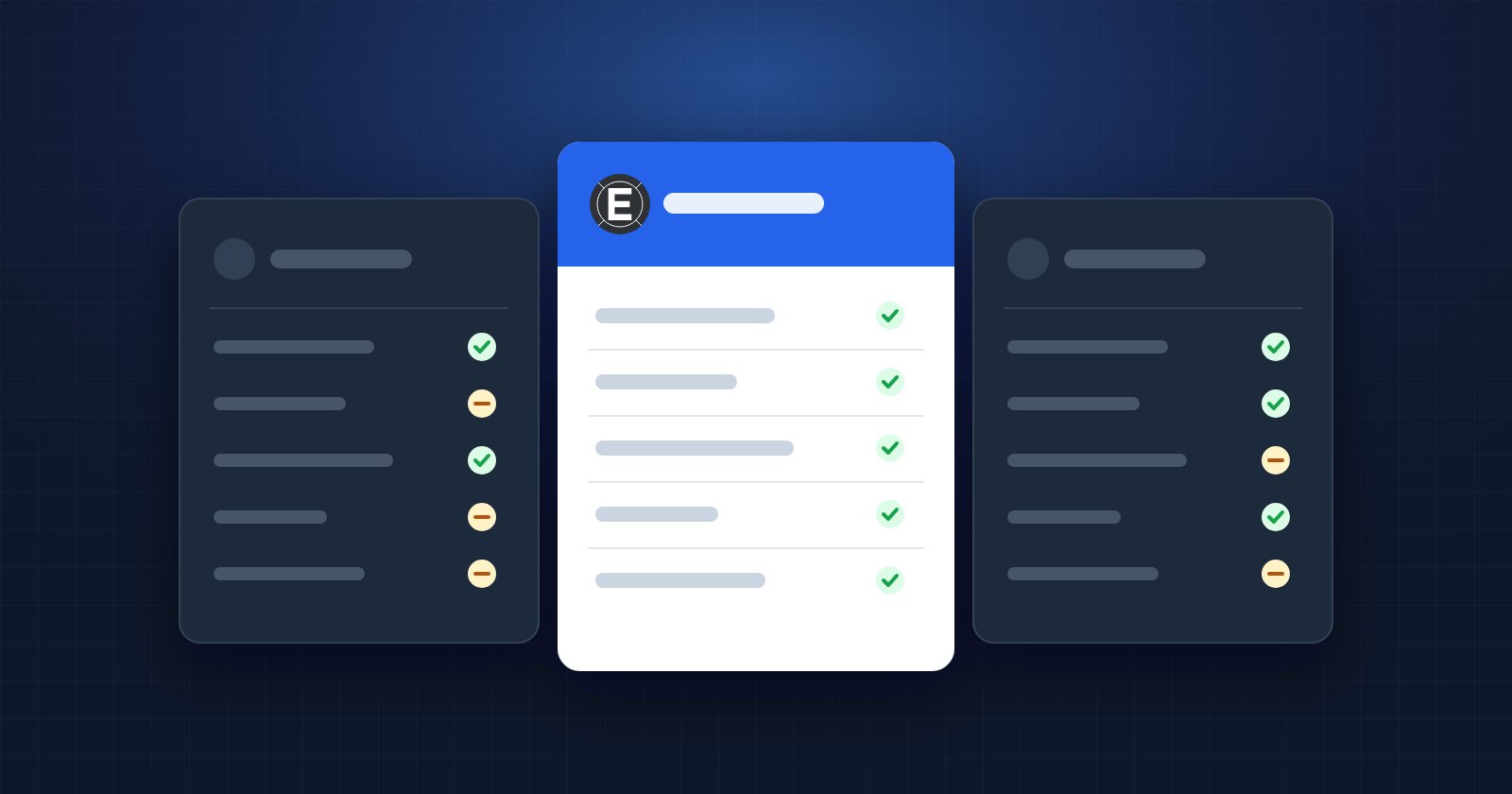
If your company still depends on sites built for Internet Explorer, three names come up again and again: Microsoft Edge IE mode, IE Tab and, more recently, IEbridge. All three use the same Internet Explorer engine that remains inside Windows. They differ in where they run, how they are managed and what they cost.
This comparison is written by the IEbridge team, so we have tried to be especially careful: prices come from each vendor's website (checked October 2026), and we point out where the others are the better choice.
The short version
- Edge IE mode is free and built into Edge, but it only works in Edge and is managed with an XML site list.
- IE Tab runs IE inside Chrome, is mature and widely deployed, and costs $39 per user per year.
- IEbridge runs IE inside Chrome, Edge and Firefox, costs $9.99 per computer per year ($14.99 with central management) and offers a 30-day trial with no card.
Feature comparison
| Edge IE mode | IE Tab | IEbridge | |
|---|---|---|---|
| Browsers | Edge | Chrome | Chrome, Edge, Firefox |
| IE engine inside the same tab | Yes, in Edge | Yes | Yes |
| Document modes IE7 to IE11 | Yes | Yes | Yes |
| ActiveX controls | Yes | Yes | Yes |
| Automatic rules by URL | Site list (XML) | Yes | Yes, with exceptions and per-site document mode |
| Shared cookies and sessions | Yes | Yes | Yes |
| Group policy | Yes | Yes (ADMX) | Enterprise plan (ADMX) |
| Central configuration without a domain | No | No | Enterprise plan (Sync Options) |
| Licence panel per computer | — | — | Yes |
| Free trial | Free product | 2 weeks | 30 days, no card |
Browsers and user experience
Edge IE mode is the most integrated option if Edge is your browser: a small IE icon in the address bar tells you the engine has changed. The limitation is simple: people who work in Chrome or Firefox have to switch.
IE Tab and IEbridge both bring the engine into the browser people already use. A page opens in IE mode inside a normal tab, with its own toolbar, and you go back to the modern engine with one click. IEbridge also works in Firefox, which matters in organisations that standardise on it.
Automatic rules
All three can open specific addresses in IE mode without a click.
- In Edge, rules live in the Enterprise Mode Site List, an XML file that IT publishes through group policy. Users can add pages themselves, but those entries expire after 30 days.
- In IE Tab, users or administrators define Auto URLs in the options, with wildcards or regular expressions.
- In IEbridge, each rule can also pin the document mode for that site and you can add exceptions for parts of a portal that already work in the modern engine. Rules export to an Excel workbook, which makes them easy to review and share. See how URL rules work.
Deployment and management
For one computer, the three are easy: Edge needs nothing, IE Tab and IEbridge need the extension plus a small helper application.
For a whole company:
- Edge IE mode needs group policy and someone who maintains the XML site list.
- IE Tab offers ADMX templates and an MSI installer for the helper.
- IEbridge Enterprise offers ADMX templates (one configuration for Chrome, Edge, Firefox and Opera) and Sync Options: you define profiles in a web panel and the computers download them, signed, once a day. It works for computers outside the domain, at home or in another office, where group policy does not reach. See group policy and Sync Options in the documentation.
Price and total cost
| Team size | Edge IE mode | IE Tab ($39/user/year) | IEbridge Pro ($9.99/computer/year) | IEbridge Enterprise ($14.99/computer/year) |
|---|---|---|---|---|
| 1 | Free | $39 | $9.99 | $14.99 |
| 10 | Free | $390 | $99.90 | $149.90 |
| 50 | Free | $1,950 | $499.50 | $749.50 |
| 200 | Free | By quote | $1,998 | $2,998 |
Edge is free in licence terms, but count the hours spent on the site list and the friction of switching browsers. IE Tab licenses per user and IEbridge per computer: if each person uses one computer, the numbers above compare directly.
Which one should you choose?
- Choose Edge IE mode if your company already runs on Edge and has IT staff to maintain the site list.
- Choose IE Tab if it is already deployed, people know it, and the per-user price is not a problem.
- Choose IEbridge if your people work in Chrome or Firefox, you want a lower yearly cost, or you need central configuration for computers outside the domain.
The fastest way to decide is to try it with your own portal. IEbridge's trial starts by itself the first time you use it and includes every feature for 30 days. Not sure where to start? Read how to open Internet Explorer-only websites in Chrome.
Frequently asked questions
Do all three use the same Internet Explorer engine?
Yes. Edge IE mode, IE Tab and IEbridge all use the Internet Explorer engine (MSHTML) that remains part of Windows. That is why ActiveX and document modes behave the same in all three.
How long will the Internet Explorer engine keep working?
Microsoft has committed to supporting IE mode in Edge through at least 2029, and the engine receives Windows security updates in the meantime.
Can I use IEbridge and Edge IE mode at the same time?
Yes. They do not interfere with each other. Some companies keep Edge IE mode for a few users and use IEbridge for teams that work in Chrome.
Share this article
Try IEbridge free for 30 days
Every feature, no card and no account. The trial starts by itself the first time you open a page in IE mode.
Related articles
 Best IE Tab Alternatives in 2026 (Compared Honestly)IE Tab is the best-known way to run Internet Explorer inside Chrome, but it is not the only one, nor the cheapest. Here are the real alternatives in 2026, with prices checked and the trade-offs of each.
 How to Open Internet Explorer-Only Websites in Chrome (2026 Guide)Internet Explorer is retired, but plenty of portals, ERPs and intranets still only work with its engine. These are your real options in 2026, and how to get an IE-only site working inside Chrome in a few minutes.
 How to Use Internet Explorer Mode in Chrome (Step by Step)From installing the extension to making your legacy portal open by itself in IE mode. A practical walkthrough of Internet Explorer mode in Chrome, with the settings that solve most problems.